#474 Viewer3D
Viewer3D is a Javascript library for rendering interactive 3D models in GLTF or GLB format on a web page, such as PCB models generated by KiCad.
Notes
I first came across Viewer3D in the article “3D Viewer for HTML pages - Simple, and Almost Without Code” published in Elektor Magazine 8/2026.
What is Viewer3D?
Viewer3D is a simple viewer for 3D models in GLTF or GLB format. Most of the hard work is done by the https://threejs.org/ library.
The main source file jo3dview.js implements the main public view3d method.
Default styling is included in jo3dview.css.
Adding Viewer3D Support to a Web Page
We just need to add three resources in the page head:
jo3dview.jssource filejo3dview.csssource file- import map for the three library, either from CDN (shown below), or loaded locally.
<link rel="stylesheet" href="./jo3dview.css">
<script type="importmap">
    {
        "imports": {
            "three": "https://unpkg.com/three@latest/build/three.module.js",
            "three/addons/": "https://unpkg.com/three@latest/examples/jsm/"
        }
    }
</script>
<script type="module" defer src="./jo3dview.js"></script>
Rendering a Model
To render the image we just need to declare a div for the viewer, and optionally a div for the loader.
The view3d call loads the desired 3D model, and takes up to six parameters:
'mviewer'— The id of the container<div>where the 3D scene is to be rendered.'./citizen_radio.glb'— The path to the 3D model file (GLB or glTF format).1.1— The target display size (scale factor). The viewer measures the model’s bounding box and scales it so that its largest dimension equals this value in scene units. Increase it to make the model appear larger, decrease it for smaller. 1.0 is a neutral default.'mloader'(optional) — The id of the loading indicator element. It is shown while the model loads and is hidden automatically once loading is complete.backimg(optional, default undefined) — A custom background image for the scene. If omitted, a built-in white-to-dark gradient is used.shift2org(optional, default true) — When true, the model is automatically re-centered to the scene origin so it always appears centered in the viewer.
<div id="mviewer" class="jo3dviewer" style="width: 90vW; height: 80vH;">
    <div id="mloader" class="jo3dloader"></div>
</div>
<script type="module">
    import { view3d } from './jo3dview.js';
    view3d('mviewer', './citizen_radio.glb', 1.1, 'mloader');
</script>
Example
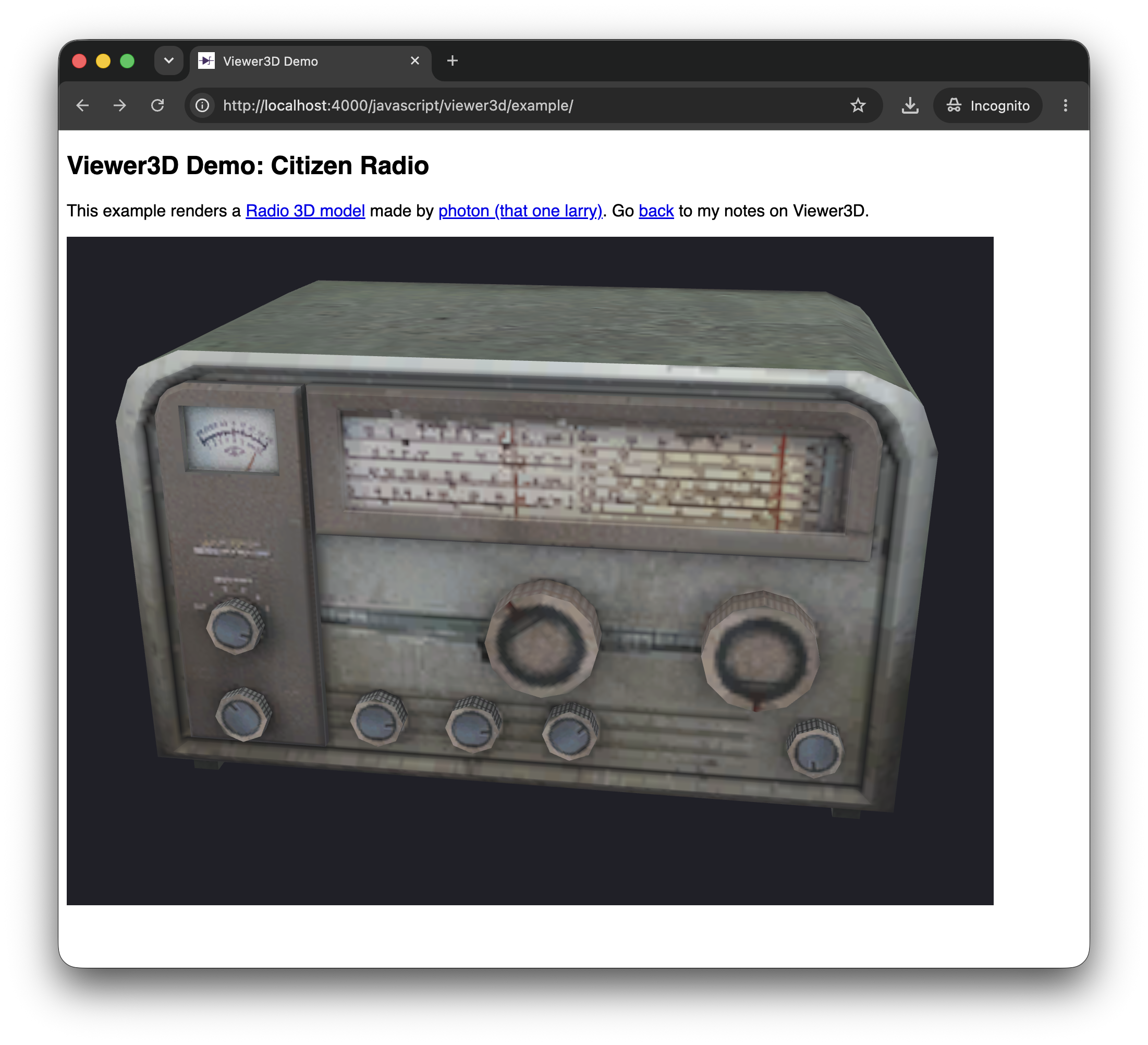
For a demonstration, I’ve borrowed a 3D model of a radio made by photon (that one larry). It is downloaded locally as
The example comprises 4 files:
- example/index.html - main HTML page
- example/jo3dview.js - Viewer3D source
- example/jo3dview.css - default styling
- example/citizen_radio.glb - the model to render
Click through for a live demo: