#194 Free Pascal
Installing and running the Free Pascal compiler on macOS.
Notes
I haven’t written or used any Pascal code for decades. But it was my first love when it comes to computer languages. It’s where I first learned structured and object-oriented programming techniques.
I’m curious about the state of Pascal. Does anyone still use it much? CAN you even use it on modern machines?
First step is obviously just to try and get it installed…
Documentation
The documentation page points to HTML online guides and PDF downloads.
I found the HTML rendering of the documentation to be a bit too fragmented, so went for downloads. At the time I tried, the FTP server was down, but I could find the files in sourceforge
Compiling the Source [FAIL]
The sourceforge files page offers
- fpc-3.0.4.source.tar.gz - just the compiler source
- fpcbuild-3.0.4.tar.gz - entire project, including compiler source, documentation, examples etc
I didn’t get far however…
$ tar zxvf fpc-3.0.4.source.tar.gz
$ cd fpc-3.0.4
$ make all
make: -iVSPTPSOTO: Command not found
Makefile:2790: *** The only supported starting compiler version is 3.0.2. You are trying to build with ..  Stop.
I haven’t dug further to find out what is going on here.
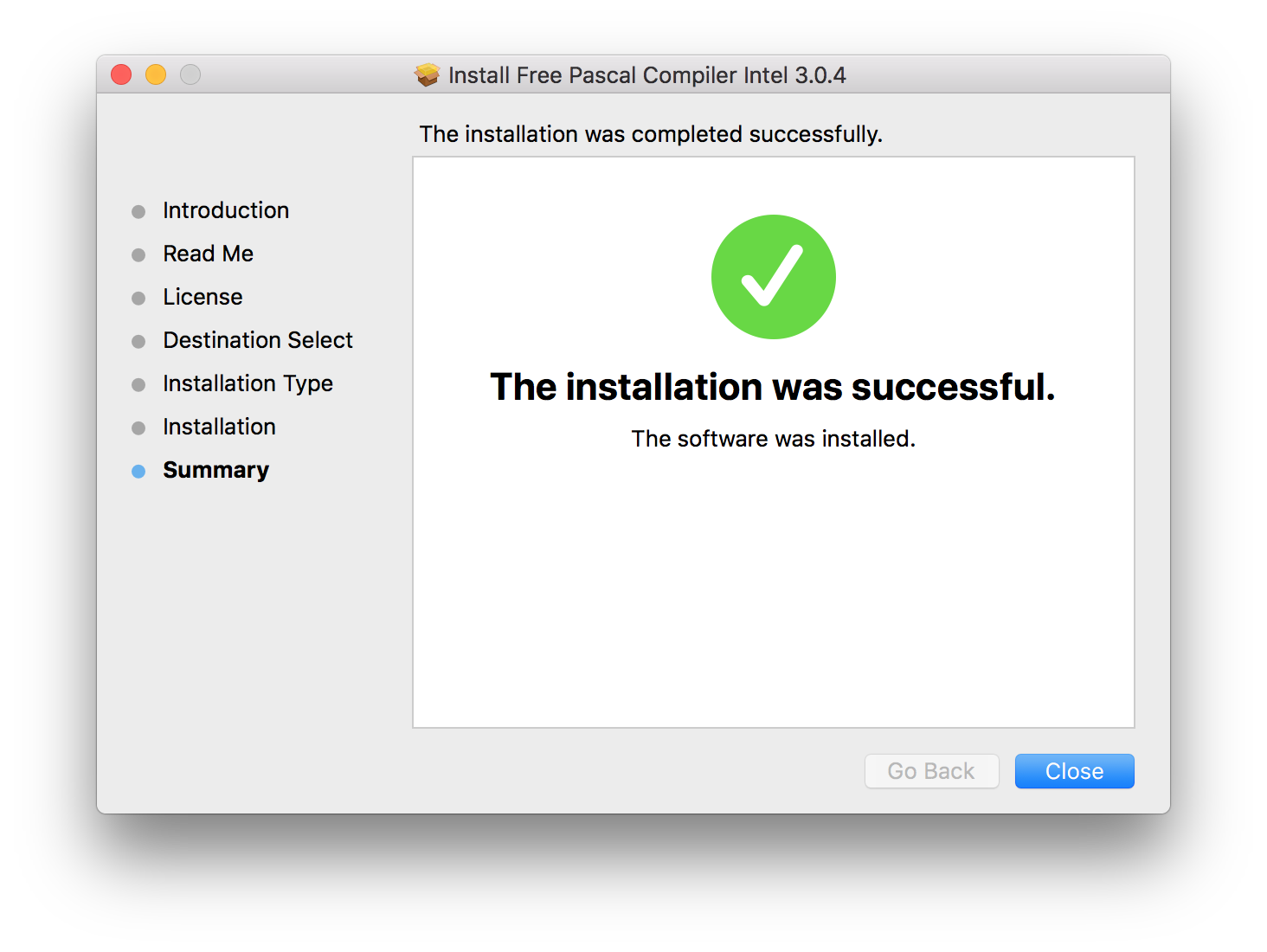
Binary Installation
The sourceforge files page
offered fpc-3.0.4a.intel-macosx.dmg (108.4 MB) for download.
Test Drive
$ which fpc
/usr/local/bin/fpc
$ fpc -h
Free Pascal Compiler version 3.0.4 [2018/09/30] for x86_64
Copyright (c) 1993-2017 by Florian Klaempfl and others
fpc [options] <inputfile> [options]
 Only options valid for the default or selected platform are listed.
  [... lots of option documentation ...]
  -?     Show this help
  -h     Shows this help without waiting
Looks like I have a few free pascal compiler bits installed:
$ ls -1 /usr/local/bin/fpc*
/usr/local/bin/fpc
/usr/local/bin/fpcjres
/usr/local/bin/fpclasschart
/usr/local/bin/fpcmake
/usr/local/bin/fpcmkcfg
/usr/local/bin/fpcres
/usr/local/bin/fpcreslipo
/usr/local/bin/fpcsubst
Homebrew Installation
I subsequently discovered a Homebrew formula for fpc, and updated my installation to 3.2.2
$ brew install fpc
...
$ which fpc
/opt/homebrew/bin/fpc
$ fpc -?
Free Pascal Compiler version 3.2.2 [2025/09/11] for aarch64
Copyright (c) 1993-2021 by Florian Klaempfl and others
fpc [options] <inputfile> [options]
...
Compiling Hello World
See hello.pp for the most basic program:
{*****************************************************************************
    aah! it's been a long time since I got to format comments like this;-)
******************************************************************************}

program hello;

  begin
    writeln('What the Blaises is going on here?');
  end.
$ fpc hello.pp
Free Pascal Compiler version 3.2.2 [2025/09/11] for aarch64
Copyright (c) 1993-2021 by Florian Klaempfl and others
Target OS: Darwin for AArch64
Compiling hello.pp
Assembling hello
Linking hello
-macosx_version_min has been renamed to -macos_version_min
ld: warning: -multiply_defined is obsolete
10 lines compiled, 0.5 sec
$ ./hello
What the Blaises is going on here?
All good! It does seem however that 3.2.2 has some non-fatal compatibility issues with the latest ld.
$ ld -v
@(#)PROGRAM:ld PROJECT:ld-1267
BUILD 16:38:58 Jun  8 2026
configured to support archs: armv6 armv7 armv7s arm64 arm64e arm64_32 i386 x86_64 x86_64h armv6m armv7k armv7m armv7em armv8m.main armv8.1m.main
will use ld-classic for: armv6 armv7 armv7s i386 armv6m armv7k armv7m armv7em
LTO support using: LLVM version 21.0.0 (static support for 30, runtime is 30)
TAPI support using: Apple TAPI version 21.0.0 (tapi-2100.0.2.6)